
Tutorial 2: Developing Sustainable Study Habits
In this Tutorial you will consider:
- The importance of keeping focused on your goals
- How to use time wisely during study
- Managing stress and anxiety
- Tips for avoiding procrasination
Using a Yearly or Semester Planner
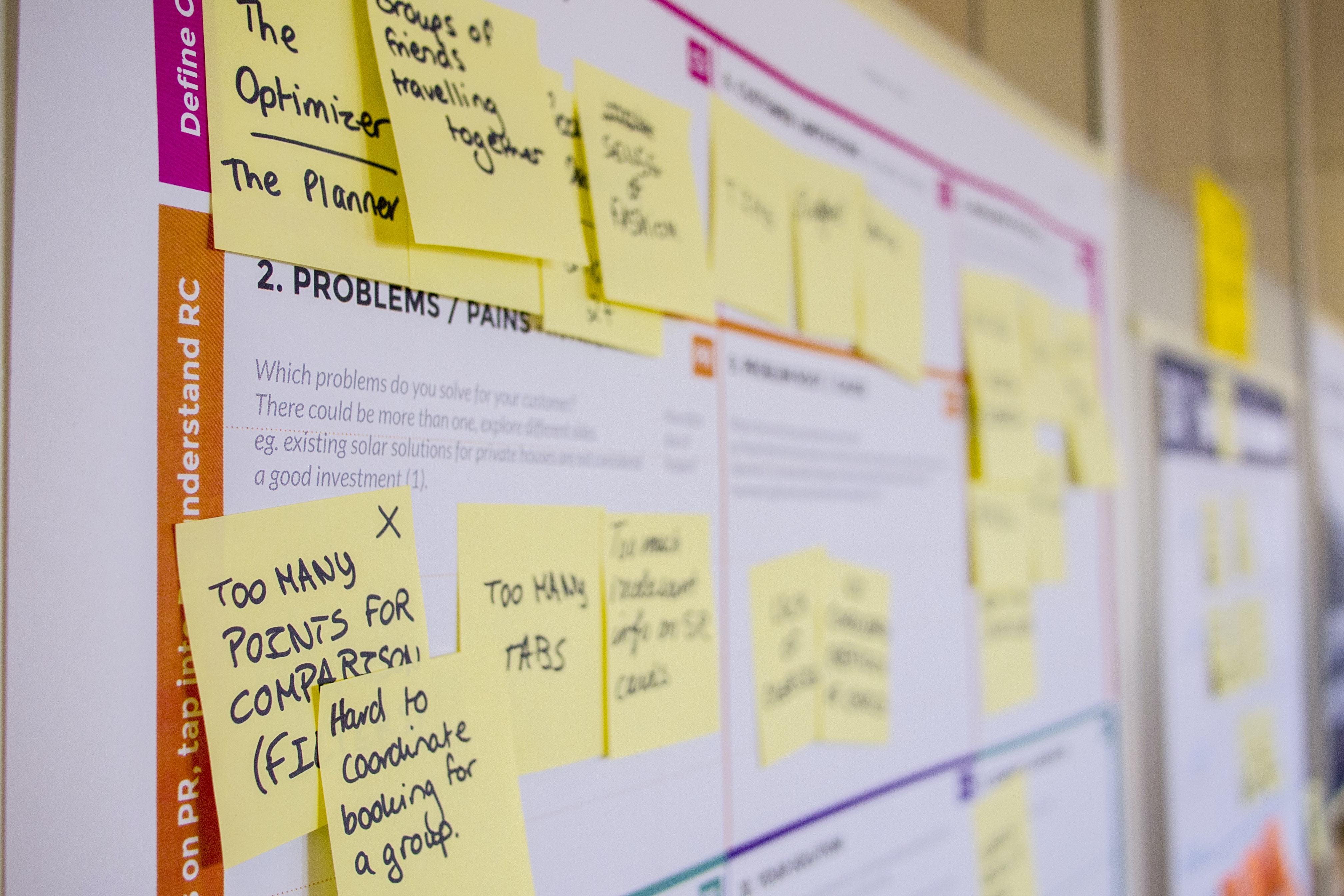 You might be very good at using your phone or computer's calendar, but it is also a good idea to have a planner dedicated to study tasks and Assessment due dates.
A yearly planner, you can place on your wall or by your desk, allows you to plan your work and helps to remind you about deadlines and upcoming commitments.
- Place the planner in a position where you have easy access to it.
- Write in the dates when assignments are due and exams are scheduled.
- Work out how long you will need to complete each task. Allow yourself plenty of time. Remember to allow for extra workload. If you have several assignments due at the same time, you will need to begin each task even earlier than usual.
- Set start dates for each task. Write them on your planner.
- Draw lines back from the due dates to ‘start’ dates. Use different colour pens for different subjects, assignments or exams. Doing this will give you a good indication of how much time you have to complete tasks and cue you to start them.
You can get a Morling specific planner from the Administration office or contact them to get one sent to you)
Copyright © Morling College.
We acknowledge and respect the traditional custodians and their stewardship of the land and water ways where our students and staff work, study and live.
Morling College is an affiliated institution with the Australian University of Theology (CRICOS Provider 02650E). All rights reserved. No material on this site may be reproduced in part or whole, including electronically, without the permission of Morling College.